Play music from Dropbox on your Mac — properly
Dropbox is a great place to keep a large music collection. It's terrible at playing one. Open your music folder in Finder and you get a wall of files: no album grouping, no art, no gapless playback, and if you double-click a track it either downloads the whole file first or opens in an app that has no idea it's part of an album.
Oort turns your Dropbox music folder into a real library. Connect your account, point Oort at your music, and it reads every track's tags to build browsable artists, albums, and playlists — all playing straight from Dropbox on your Mac. It's a native Swift app, so it launches fast and stays smooth even across tens of thousands of tracks.
Stream it — don't download all of it
The usual way to "use Dropbox music on Mac" is to make the whole folder available offline, which drags your entire collection onto your laptop's SSD. That defeats the point of keeping it in the cloud. Oort works the other way around:
- Streams on demand — tracks play as you select them, pulled from Dropbox in real time.
- Caches what you play so repeat listens are instant and you can keep going offline.
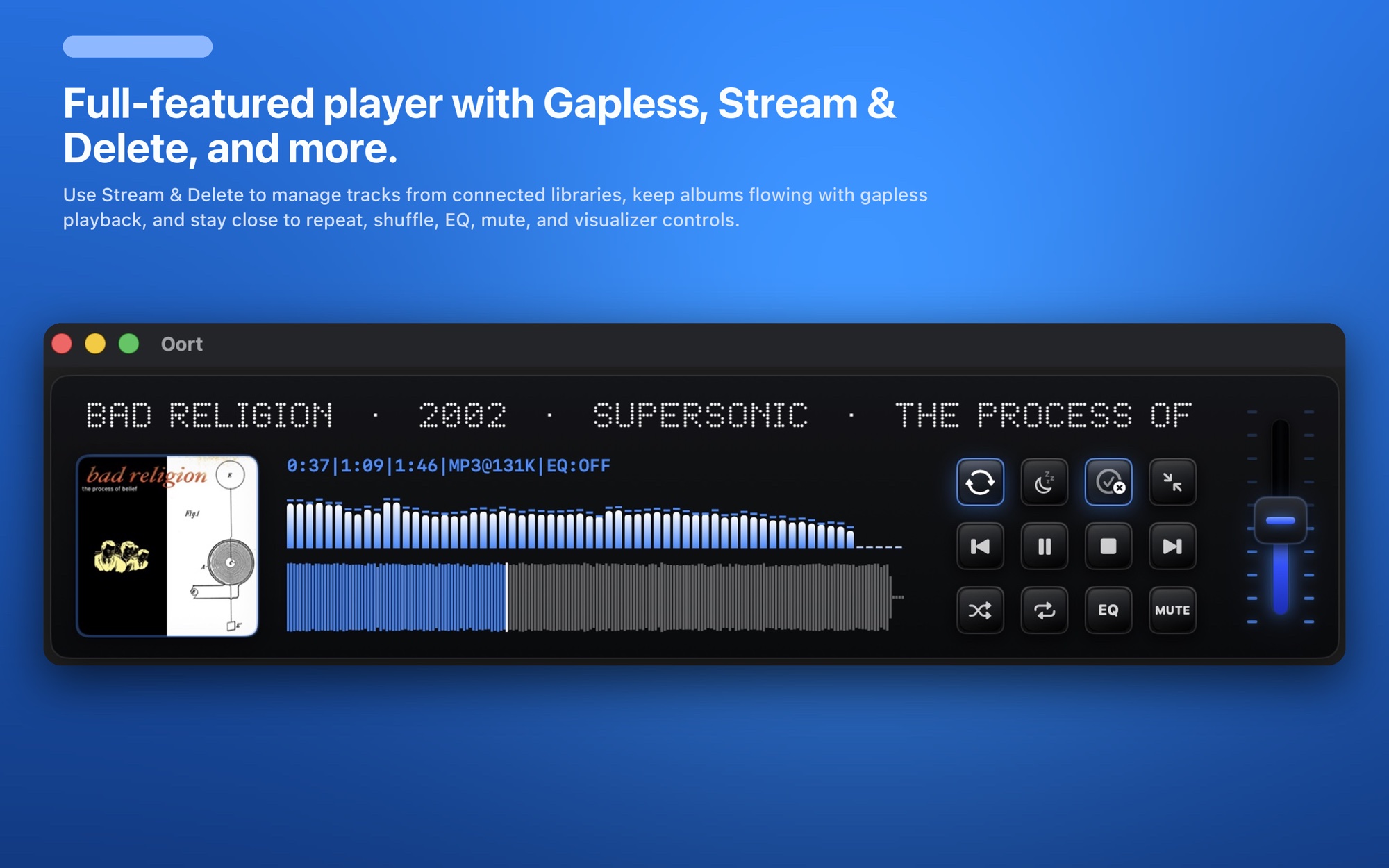
- Prefetches the next track so albums play gapless, with no gap between songs.
You keep a cloud-sized library without a cloud-sized dent in your local storage.
Your Dropbox files stay exactly as they are
Oort never re-uploads your library to a third-party server — there's nowhere for it to go, because Oort has no servers of its own. It doesn't move, rename, or rewrite your files either. It reads from your Dropbox and plays. Remove the source any time and nothing about your Dropbox changes.
Lossless, gapless, and everything a player should have
- FLAC, ALAC, AAC, and MP3 straight from Dropbox — your lossless files play lossless. More on FLAC on Mac →
- 8-band parametric EQ to dial in the sound for your headphones or speakers.
- Fast search across your whole Dropbox library — and any other sources you connect.
- Album art & clean metadata pulled in automatically.
- Mini-player and audio-reactive visualizers for when you just want to listen.
One library across every cloud
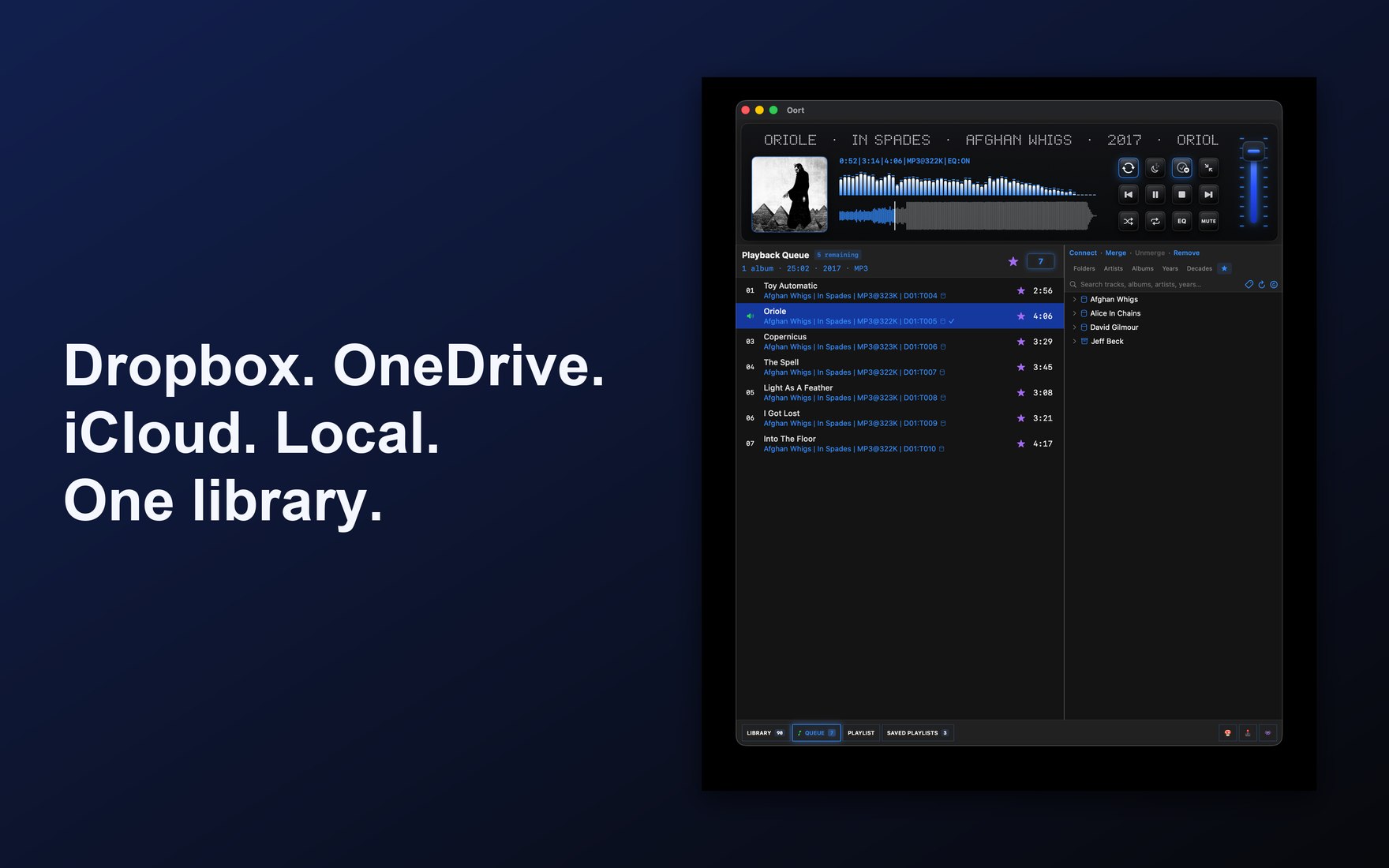
Music scattered between Dropbox, OneDrive, iCloud Drive, and a local folder? Connect them all — Oort merges everything into one library you browse and search as a single collection, while each file stays right where it lives. See the OneDrive music player or the full cloud music player for Mac.