macOS can decode FLAC. The Music app still won't manage it.
If your library is built on FLAC, the Mac is a frustrating place to live. Apple's ecosystem is built around ALAC and AAC — the Music app won't import your FLAC files, won't organize them, and won't build a proper library from them. You're left converting everything to ALAC (and doubling your storage) or hunting for a player that treats FLAC as a first-class citizen.
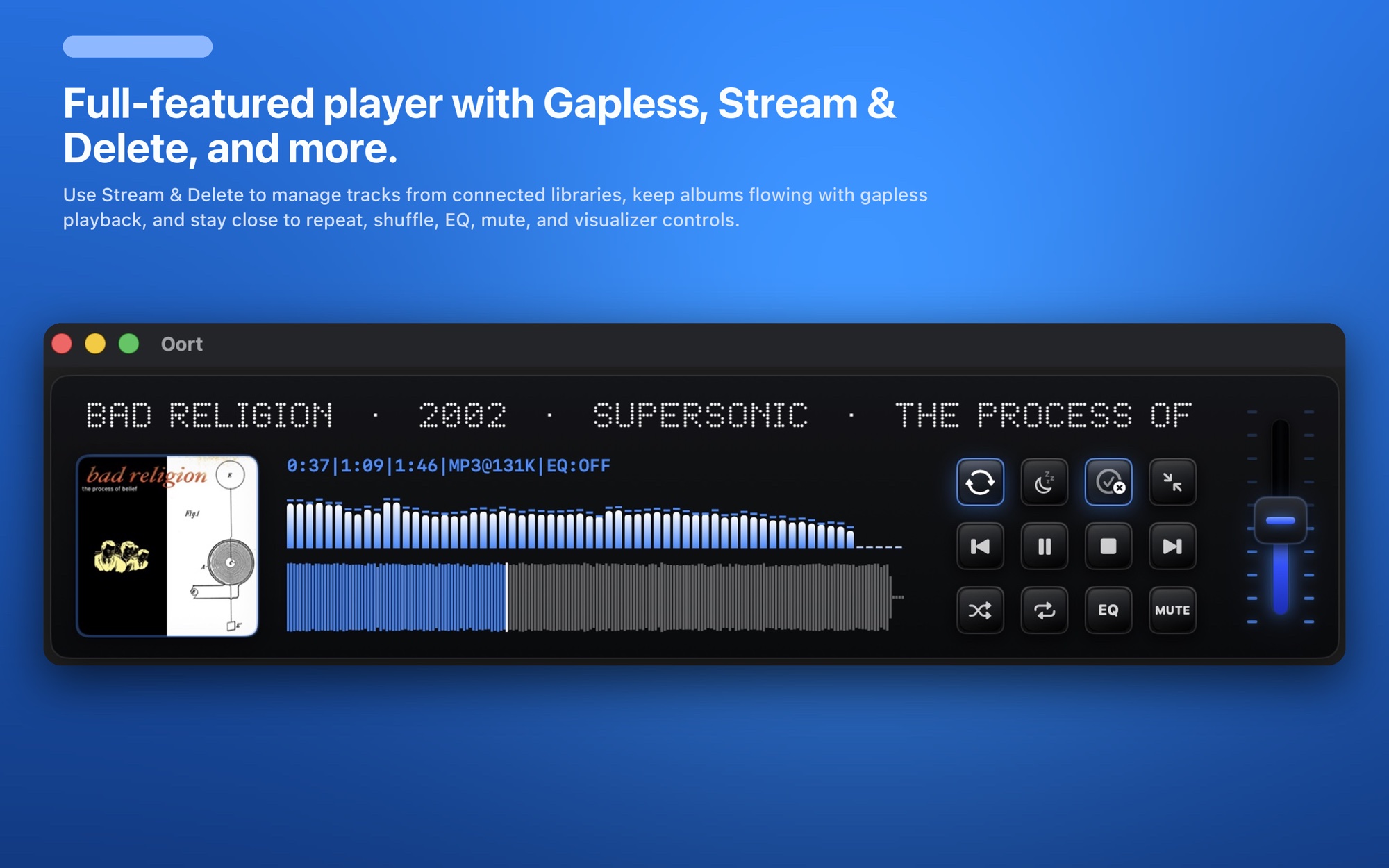
Oort is that player. It's a native Mac app that plays FLAC and ALAC directly, reads their tags, and builds a real browsable library — artists, albums, art, playlists — without re-encoding a single file. Your lossless stays lossless.
Gapless, the way lossless is meant to be heard
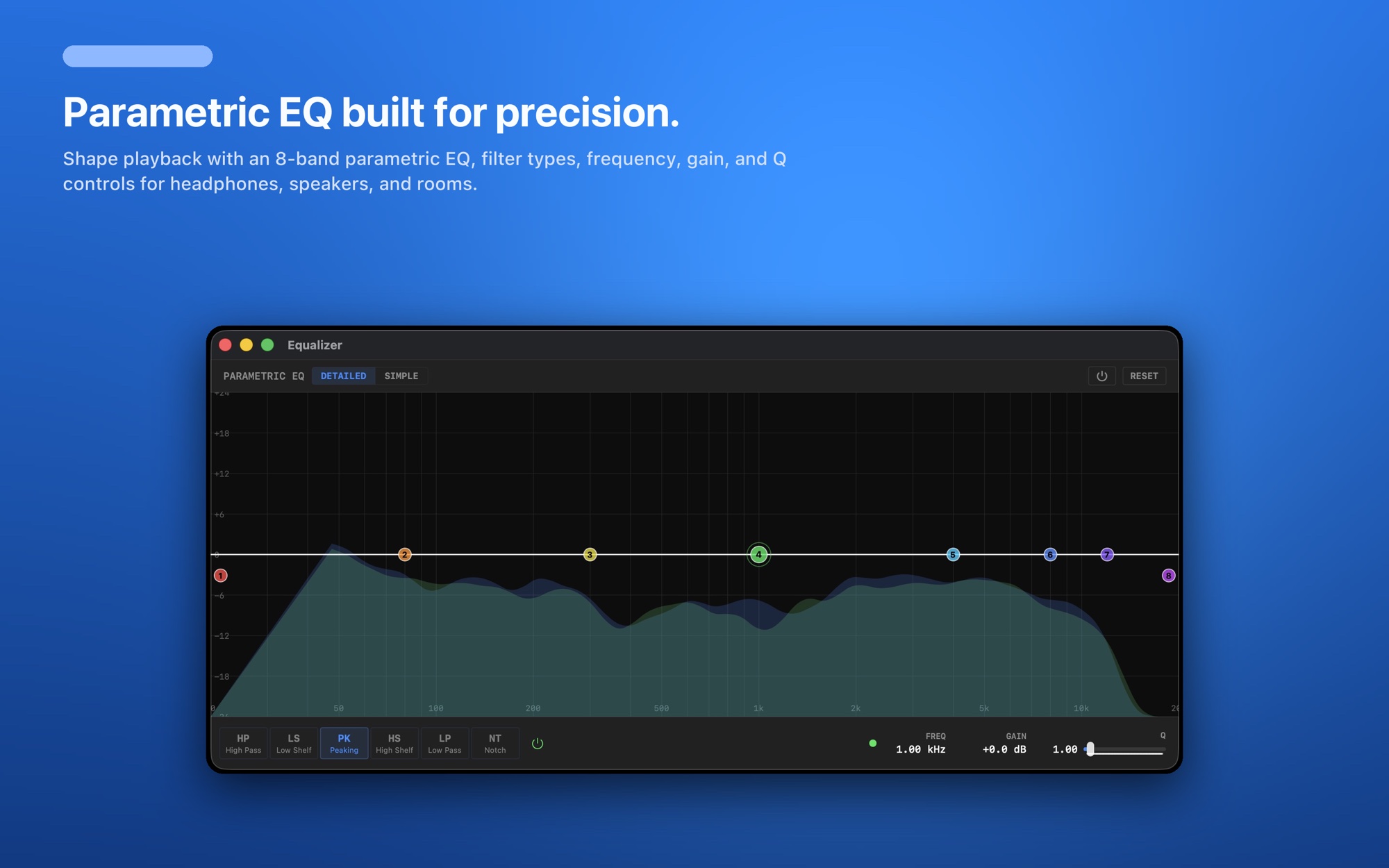
People rip to FLAC for a reason, and a lot of those albums only work played end to end — live recordings, classical works, concept records, DJ mixes. Oort prefetches the next track and hands off with no silence between songs, so gapless albums play exactly as they were mastered. Pair that with the 8-band parametric EQ (filter type, frequency, gain, and Q per band) and you can tune the sound to your headphones or room without touching the source files.
Your lossless library can live in the cloud
FLAC files are big, and a serious lossless collection can be hundreds of gigabytes — more than most Macs want to give up. Oort is unusual among FLAC players: it streams your lossless library straight from Dropbox, OneDrive, and iCloud Drive, caching what you play, so you can keep terabytes of FLAC in the cloud and still play it natively on your Mac. Local folders and external drives work too, or mix all of them into one library.
- FLAC & ALAC lossless, plus AAC and MP3 — at full quality.
- Gapless playback with prefetch for seamless albums.
- 8-band parametric EQ for real tone control.
- Stream from the cloud or play local files — or both at once.
- Album art & clean metadata pulled in automatically.
A lossless player that isn't a subscription
Most polished Mac music players today are either subscriptions or push you toward one. Oort is a one-time $9.99 purchase with a 14-day free trial — buy it once, own it, including updates. If you've been looking for a FLAC-friendly cloud music player for Mac or a native foobar2000 alternative, this is it.