Play
Perform with TGSynth patches, sampled instruments, drum kits, scales, chords, and arpeggiators.
Bring your beats to life. Create and share music with a deep collection of instruments, visuals, and animations—and shape every performance into something entirely your own.
A complete core studio. No subscriptions. Optional one-time expansion packs.
Music becomes motion
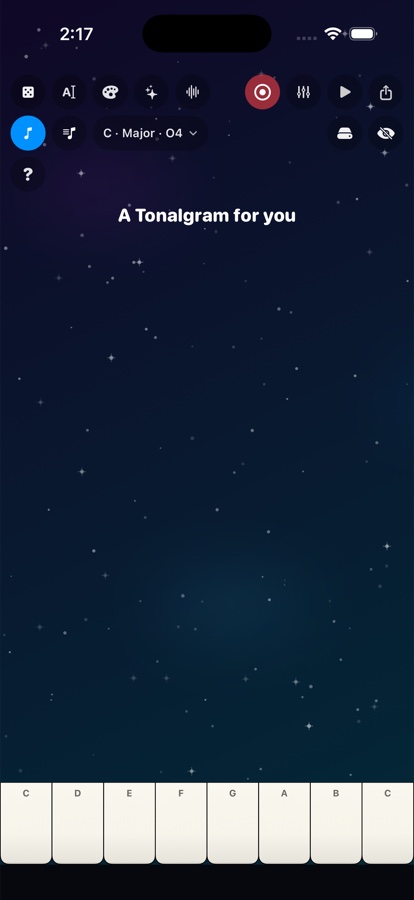
A Tonalgram is played, animated, arranged, and finished in the same creative space.
The sound, keys, background, animation, title, accompaniment, and mix all belong to one performance. Change any layer and hear or see the result immediately.
One connected workspace
Perform with TGSynth patches, sampled instruments, drum kits, scales, chords, and arpeggiators.
Pair every note with animated scenes, responsive effects, custom colors, images, and text.
Add drums, progressions, songs, and a metronome, then layer performances across eight tracks.
Trim and export a 1080p music video, create multitrack MIDI, or send through Messages.
Build the sound
Choose an instrument and play, or open TGSynth Lab and design a patch from its oscillators outward.
TGSynth Lab
Shape timbre, movement, harmony, space, and rhythm—then save the patch and use it anywhere in Tonalgram.
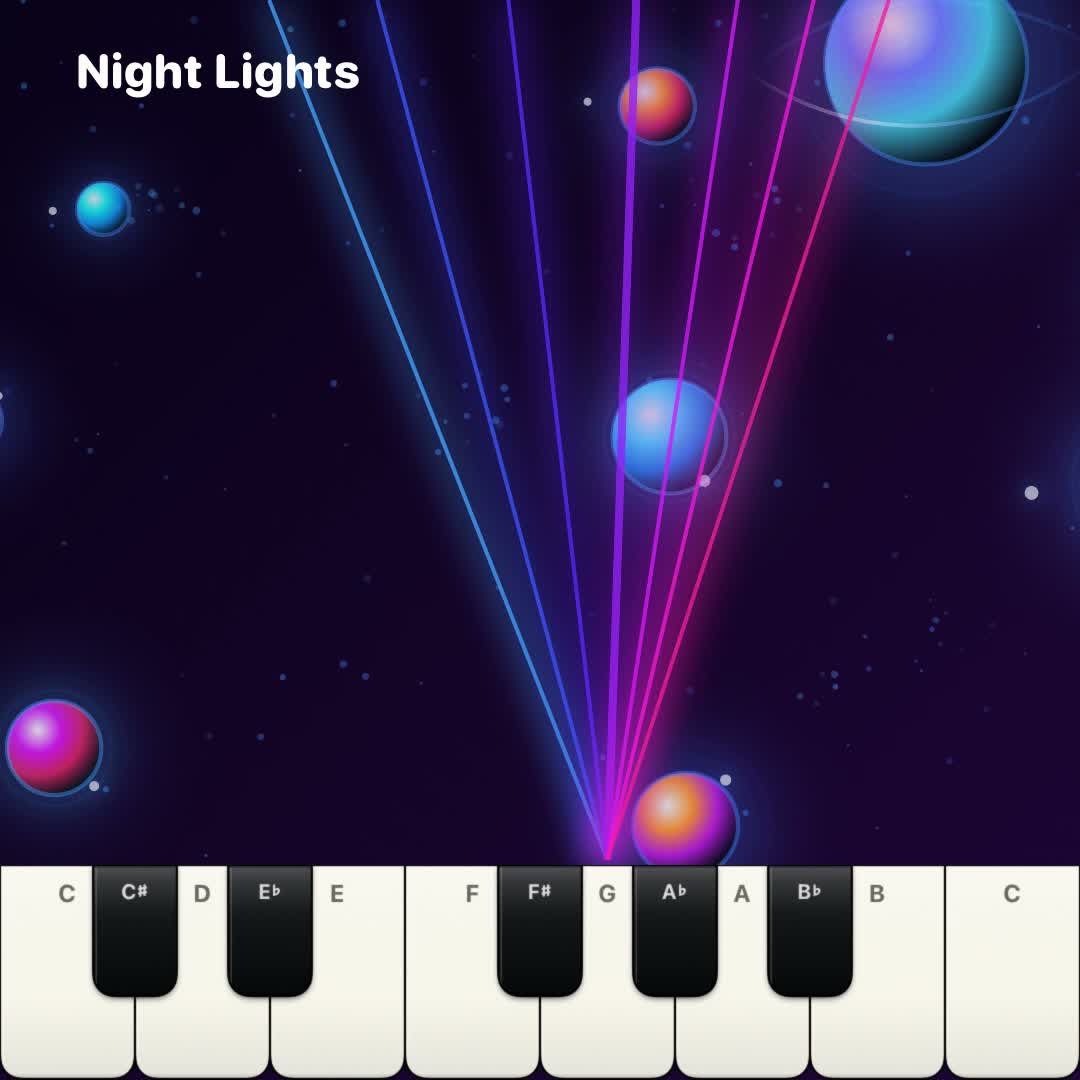 Responsive backgrounds
Key-triggered animation
Text, photos & gradients
Design the picture
Visuals are part of the instrument—not an effect pasted on afterward.
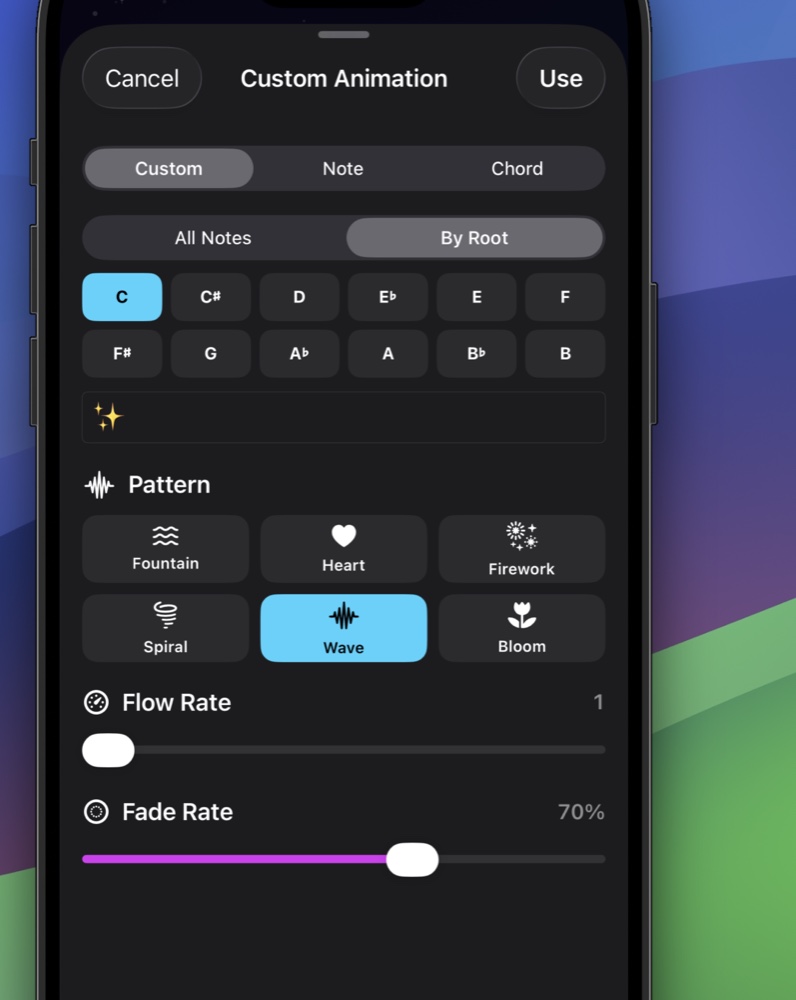
Animation editor
Build custom animations globally, note by note, or by chord root. Set the content and motion, then tune how quickly it appears, flows, and fades.
Record and arrange
Move from a first idea to a layered performance without leaving the player.
Select an instrument or custom patch, then choose key, scale, octave, and harmony.
Choose a scene, animation, text, photo, and the visual behavior for the armed track.
Record up to eight tracks. Each remembers its own instrument, mix, and animation settings.
Use live volume and pan, mute or solo tracks, preview a trim, then export video or MIDI.
Approachable by design
Touch a key and something musical and visual happens immediately. No setup or theory lesson required.
Compose short visual performances for messages, social posts, celebrations, and personal projects.
Explore synth design, harmony, arrangement, multitrack mixing, and MIDI for continued work in a DAW.
Questions
No. Start by touching keys and exploring. Tonalgram keeps the first interaction simple, while scales, chords, synthesis, accompaniment, and mixing are available whenever you want them.
Yes. Choose a photo, add titles or longer text, position them on the player, and customize color, gradients, type, opacity, rotation, effects, and animation.
MIDI export includes separate tracks, notes, timing, velocity, and tempo. It does not contain Tonalgram's instrument audio, so a producer can assign sounds in a DAW.
Tonalgram exports 1080p portrait or square video. Before exporting, you can adjust the in and out points against a filmstrip and waveform and preview the selected trim.
No. Tonalgram has no subscription. Optional expansion packs, such as TG-8-Bit, are separate one-time in-app purchases.
Tonalgram is preparing for release on the App Store.
Ask about Tonalgram